01
Play a video
Open YouTube or any page with HTML5 video/audio and start playback.
Chrome extension
Remove distracting background noise and music so you can hear what’s actually being said — privately, on your device.
Free to start. Works on YouTube and other HTML5 video sites.
One click on the tab you’re watching. No account. No upload.
Open YouTube or any page with HTML5 video/audio and start playback.
Click the extension icon, then “Start on this tab.”
Raise Focus strength if noise still bleeds through; lower it if speech feels thin.
The popup, Focus strength, and what enhancement looks like in context.
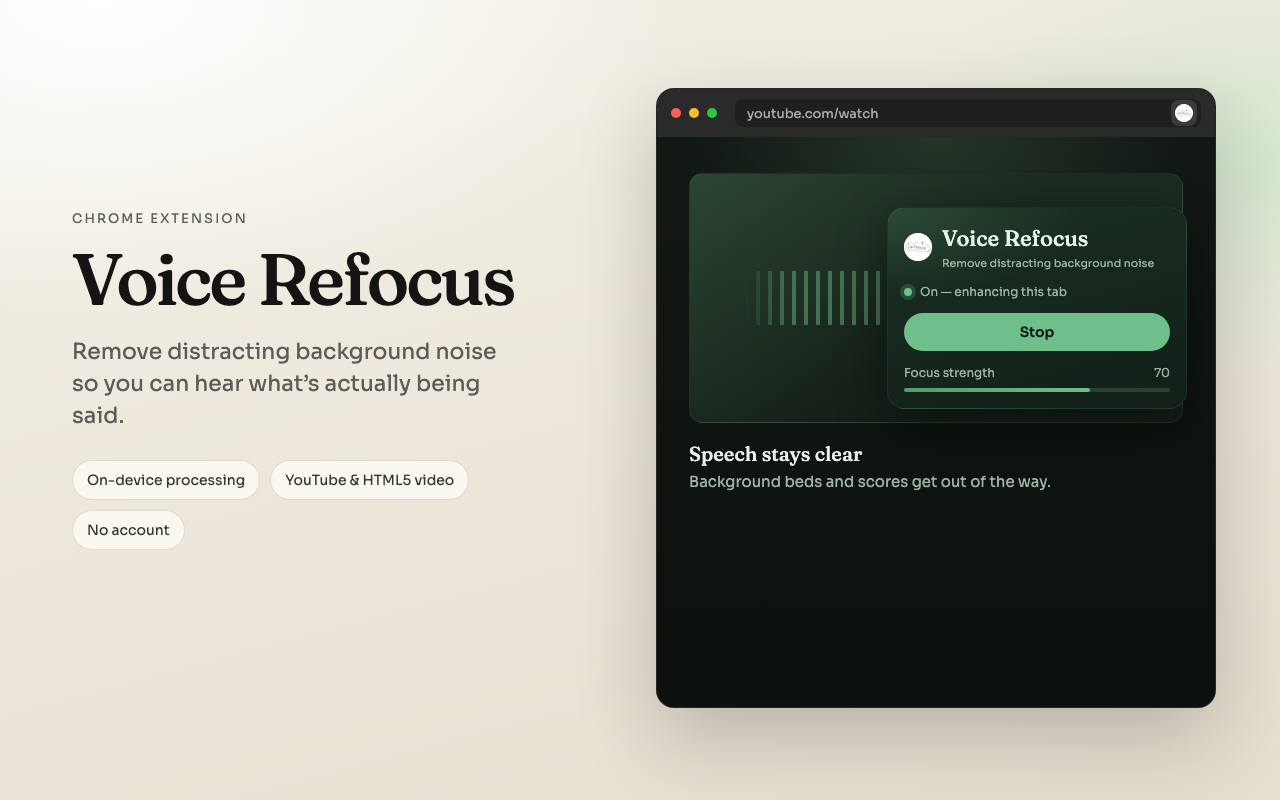
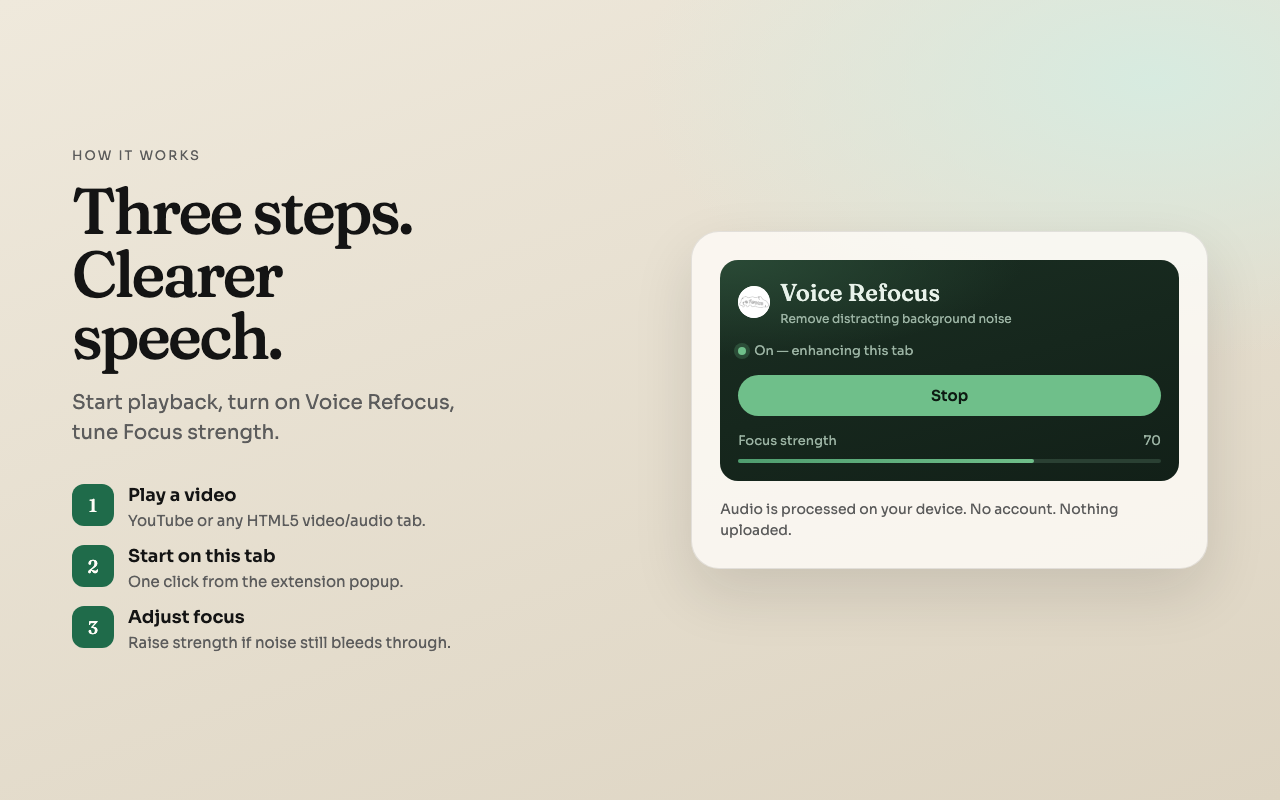
Enough to understand what happens when you press Start — without the research-paper tour.
When you start, Voice Refocus listens to the current tab’s audio stream — not your microphone.
A local model favors spoken audio and reduces competing background beds, scores, and noise in real time as the tab plays.
The slider sets how aggressively non-speech is pulled down. Higher for busy soundtracks; lower if voices start to thin out.
The model ships inside the extension and runs in the browser. Audio is not uploaded. Preferences stay in Chrome’s local storage.
When you press Start, tab audio is processed locally. No account. No upload.